Turn Notion meeting notes into reviewable Linear follow-ups
Finish the conversation, then turn explicit commitments in the notes into tasks.
Integrations used in this example
 Notion docs
 Linear docs
 Slack docs
Keep note-taking fluid and follow-ups visible
Taking useful meeting notes and maintaining a task queue are different jobs. Switching between them during a one-on-one breaks the flow, while leaving action items in prose makes them easy to miss later.
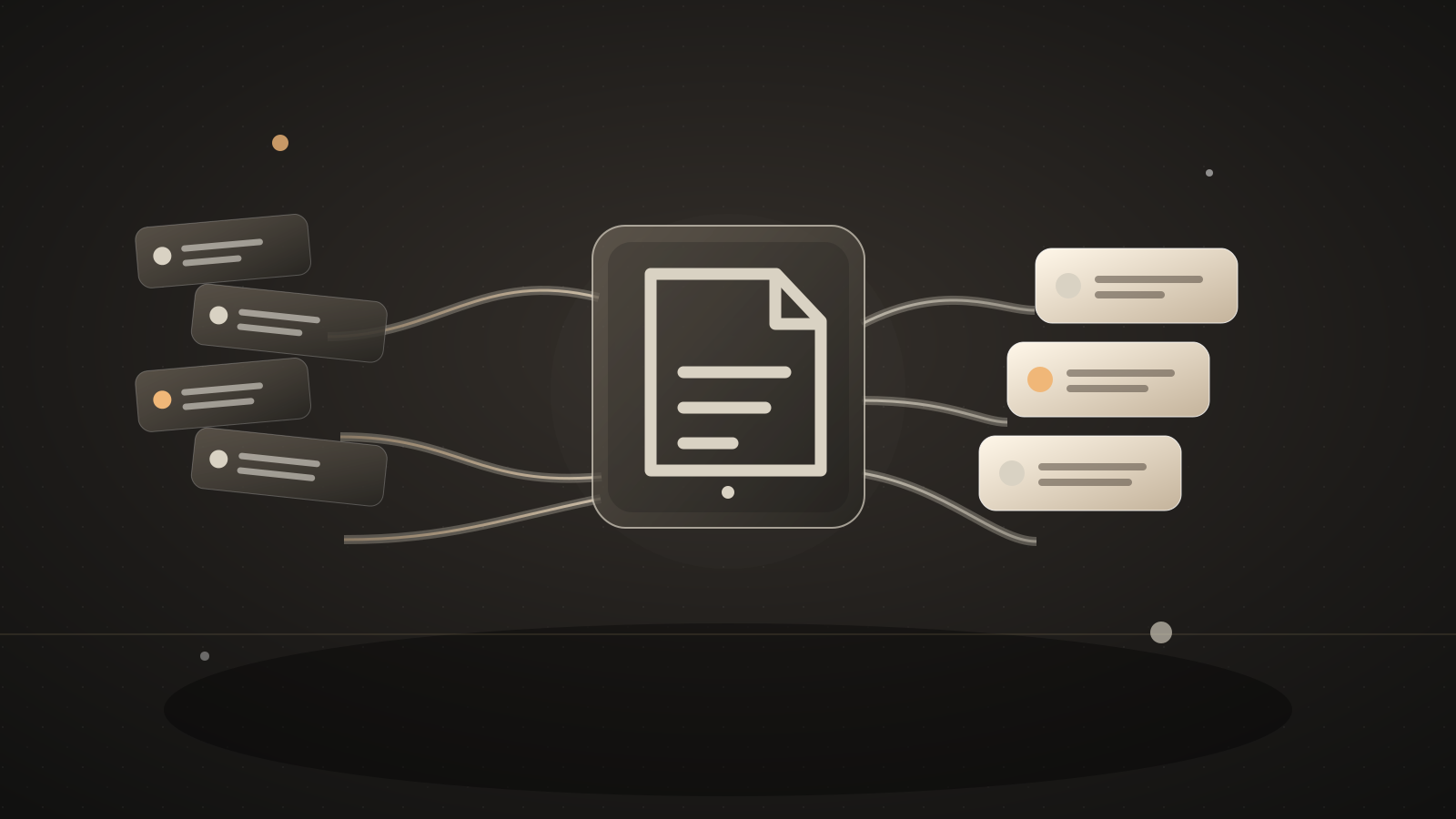
In this workflow, a person marks a Notion note ready after the meeting. Automate.ax reads that page, extracts specific commitments, and creates Linear issues with a link to the source. Vague items go to a Slack review channel because the automation should not invent an owner or deadline.
Moving from note text into task blocks during one-on-ones interrupted their attention, but hunting for follow-ups afterward was also costly.Source: a Notion user’s account of meeting notes and action items
What you'll tell the agent
- Which Notion meeting notes database to use. The agent can add a Status property with a Ready for handoff value if needed.
- The Linear team that should receive follow-ups and the owner-name mapping you trust.
- The Slack channel where ambiguous items should be reviewed.
- Which notes are safe for Automate.ax AI to read.
- Account authorization for Notion, Linear, and Slack.
The agent will create the project and ask you for these details. When Automate.ax asks you to connect an account, authorize the integrations you want this workflow to use.
Automate.ax AI reads the first 6,000 characters of the selected note to find action items. Keep sensitive meetings outside the marked scope, and review what the integration account can access.
The automation
A deliberate Ready property starts extraction, rather than every edit to a page. The code keeps the Notion source URL on each follow-up so the owner can check the full discussion.
import { automation, each, generate, partition, t } from "automate.ax"
import { linear } from "automate.ax/linear"
import { notion } from "automate.ax/notion"
import { slack } from "automate.ax/slack"
import { z } from "zod"

export default automation(
  "Turn ready meeting notes into follow-ups",
  {
    parameters: [
      {
        label: "Meeting notes data source ID",
        name: "dataSourceId",
        type: "text",
      },
      { label: "Status property ID", name: "statusPropertyId", type: "text" },
      { label: "Linear team ID", name: "linearTeamId", type: "text" },
      {
        label: "Owner name to Linear user ID JSON",
        name: "assigneeMapJson",
        type: "text",
      },
      {
label: "Review Slack channel ID",What a run looks like
Example input
A note says, “Priya will send the revised scope by 2026-10-02. Jules will prepare pricing options.”
Expected result
Priya’s dated commitment becomes a Linear issue if her user ID is mapped. Jules’s item goes to Slack for review because the note gives no due date.
Set it up
- Copy the setup prompt at the top into your coding agent.
- Tell the agent which Notion pages can be marked Ready and which Linear team should receive the work.
- Authorize Notion, Linear, and Slack, then review one made-up meeting note before enabling the workflow for real notes.
Check the result
Create a test note with one dated action and one explicit action missing a due date. Mark it Ready once, inspect the Automate.ax run, and compare the Linear issue and Slack review with the original note. Change the note again to make sure edits do not create duplicate follow-ups.
Where this workflow stops
- AI extraction can miss a commitment or mistake a discussion point for a task. A teammate reviews the result.
- A person should identify the owner and date when notes do not state them clearly.
- Choose a deliberate reprocessing rule if a Ready note is edited later; otherwise the same item can be created twice.
Common questions
Will every Notion edit create an issue?
No. The workflow should respond to the Ready property chosen during setup, so you can finish the note before extraction starts.
Does this replace a meeting review?
No. It moves clear commitments into Linear with source context. You still check that the task, owner, and date reflect what the people in the meeting agreed to.