Assign a personal follow-up for low NPS responses
Give low Tally NPS scores an Asana task and an account owner to investigate them and choose a personal next step.
Integrations used in this example
 Tally docs
 HubSpot docs
 Asana docs
Give a low score a person to investigate it
A customer can give a zero on an NPS form and leave no explanation. An initial email may go unanswered, leaving the team to decide whether to call, ask an account owner, or wait for a better moment.
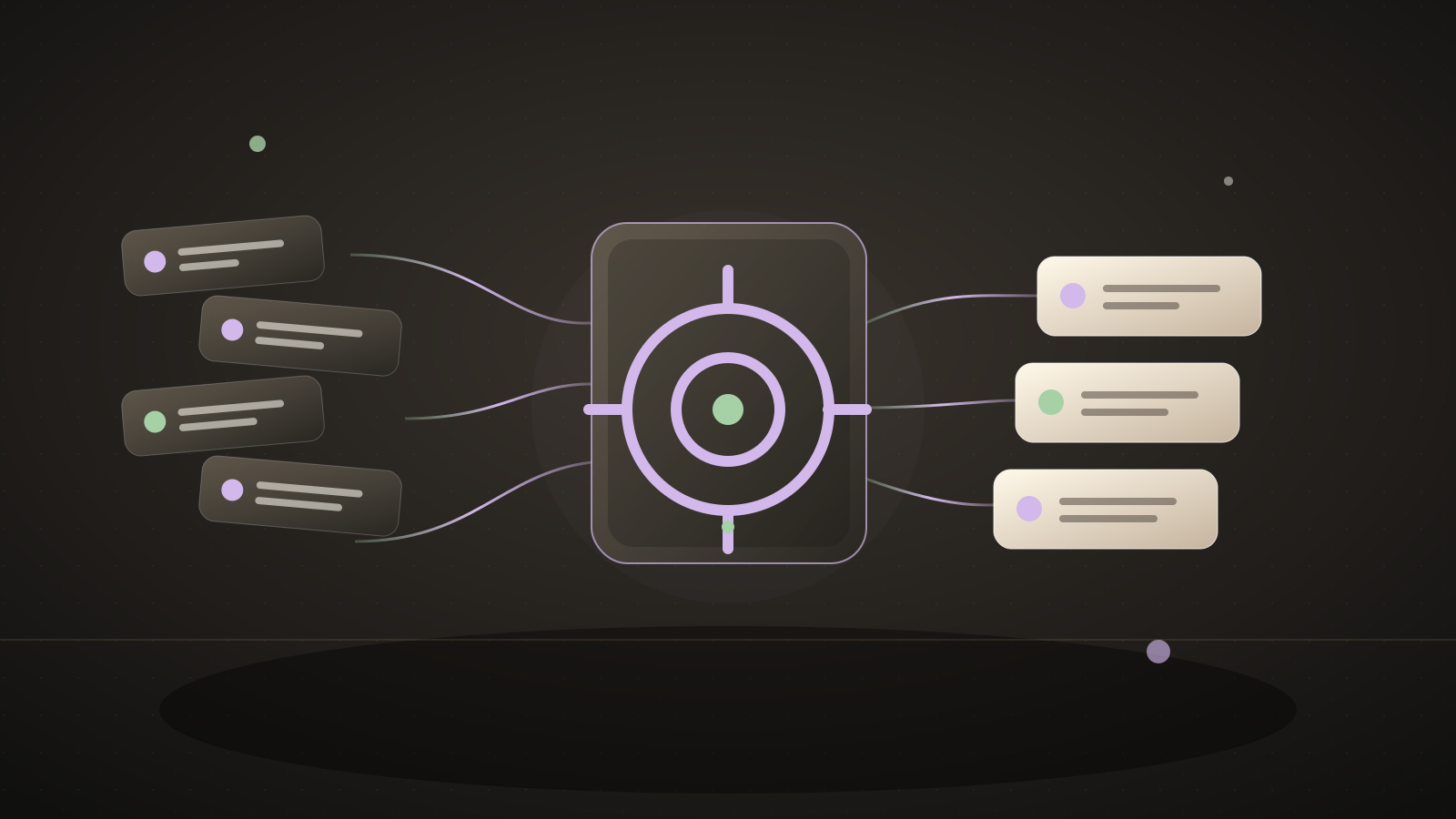
When a Tally response scores from zero through six, the automation looks up the contact's HubSpot owner and creates an Asana investigation task. It uses a fallback assignee if there is no mapped owner. The assignee checks account history and earlier outreach before choosing a next step. No email is sent automatically.
A customer success practitioner described receiving a zero NPS score without a comment and getting no response after an initial follow-up.Source: an unanswered zero-score NPS response
What you'll tell the agent
- The Tally NPS form and the exact score and email field keys. The agent can build the form and map the keys.
- An Asana project, fallback assignee, and a reviewed HubSpot-owner-to-Asana-user map.
- Account authorization for Tally, HubSpot, and Asana.
The agent will create the project and ask you for these details. When Automate.ax asks you to connect an account, authorize the integrations you want this workflow to use.
The automation
The score and email fields are configured explicitly. The task gives a teammate context and asks them to investigate rather than guess why the customer rated poorly.
import { automation, t } from "automate.ax"
import { asana } from "automate.ax/asana"
import { hubspot } from "automate.ax/hubspot"
import { tally } from "automate.ax/tally"
import { z } from "zod"

export default automation(
  "Give low NPS responses to a customer success owner",
  {
    parameters: [
      { label: "Tally NPS form ID", name: "formId", type: "text" },
      { label: "Score field key", name: "scoreFieldKey", type: "text" },
      { label: "Email field key", name: "emailFieldKey", type: "text" },
      {
        label: "Asana follow-up project ID",
        name: "asanaProjectId",
        type: "text",
      },
      {
        label: "Fallback Asana assignee",
        name: "fallbackAssignee",
        type: "text",
      },
      {
        label: "HubSpot owner to Asana assignee JSON",
        name: "ownerMapJson",
        type: "text",
      },
    ],
  },
  ({ parameters }) => {
    const ownerMap = z
      .record(z.string(), z.string())
      .parse(JSON.parse(parameters.ownerMapJson))
    const response = tally.onFormResponse({ formId: parameters.formId })
    const detractor = response
      .transform(({ data }) => {
        const scoreValue = data.fields.find(
          (field) => field.key === parameters.scoreFieldKey,
        )?.value
        const emailValue = data.fields.find(
          (field) => field.key === parameters.emailFieldKey,
        )?.value
        return {
          score:
            typeof scoreValue === "number" ||
            (typeof scoreValue === "string" && scoreValue.trim().length > 0)
              ? Number(scoreValue)
              : Number.NaN,
          email: typeof emailValue === "string" ? emailValue.trim() : "",
          submittedAt: data.createdAt,
          responseId: data.responseId,
        }
      })
      .filter(
        ({ score, email }) =>
          Number.isInteger(score) &&
          score >= 0 &&
          score <= 6 &&
          z.email().safeParse(email).success,
      )

    const contact = hubspot.searchContacts({
      filterGroups: [
        {
          filters: [
            { propertyName: "email", operator: "EQ", value: detractor.email },
          ],
        },
      ],
      properties: ["hubspot_owner_id"],
      limit: 1,
    })

    const assignee = contact.transform(({ records }) => {
      const ownerId = records[0]?.properties.find(
        (property) => property.name === "hubspot_owner_id",
      )?.value
      return (ownerId && ownerMap[ownerId]) || parameters.fallbackAssignee
    })

    asana.createTask({
      projectIds: [parameters.asanaProjectId],
      assignee,
      name: t`Ask about a low NPS score from ${detractor.email}`,
      notes: t`Score: ${detractor.score}/10\nTally response: ${detractor.responseId}\n\nReview account history and earlier outreach, then choose a personal next step. Do not assume why the customer rated us this way.`,
      dueOn: detractor.submittedAt.transform((timestamp) =>
        new Date(Date.parse(timestamp) + 86_400_000).toISOString().slice(0, 10),
      ),
    })
  },
)
What a run looks like
Example input
A Tally respondent enters 2 out of 10 and an email address, with no written comment.
Expected result
An Asana follow-up is assigned to the mapped HubSpot contact owner, or to the fallback teammate.
Set it up
- Copy the setup prompt at the top into your coding agent.
- Ask the agent to create or inspect the Tally form, confirm which fields hold score and email, and choose your Asana project.
- Authorize the three accounts and approve the owner mapping before enabling real responses.
Check the result
Submit a test score of 2 with an email and another of 9. Check that only the low response creates a task with the right owner and score.
Where this workflow stops
- A missing or malformed email is skipped because the task cannot be safely tied to a contact.
- HubSpot owner IDs and Asana user IDs differ. Review the mapping; an unmapped contact goes to the fallback assignee.
- The automation cannot explain the score or guarantee a reply. The teammate reviews prior outreach and decides how and when to contact the respondent.
Common questions
Does it send an email to a detractor?
No. It assigns a teammate to review the response and follow up personally.
Can the agent build the survey?
Yes. It can create a Tally form, then map the generated field keys into the automation.