Create role-based follow-up tasks after a HubSpot demo
A deal with several contacts calls for different follow-up work than one generic sequence sent to everybody.
Integrations used in this example
 HubSpot docs
 Slack docs
Give the deal owner a task for each associated contact
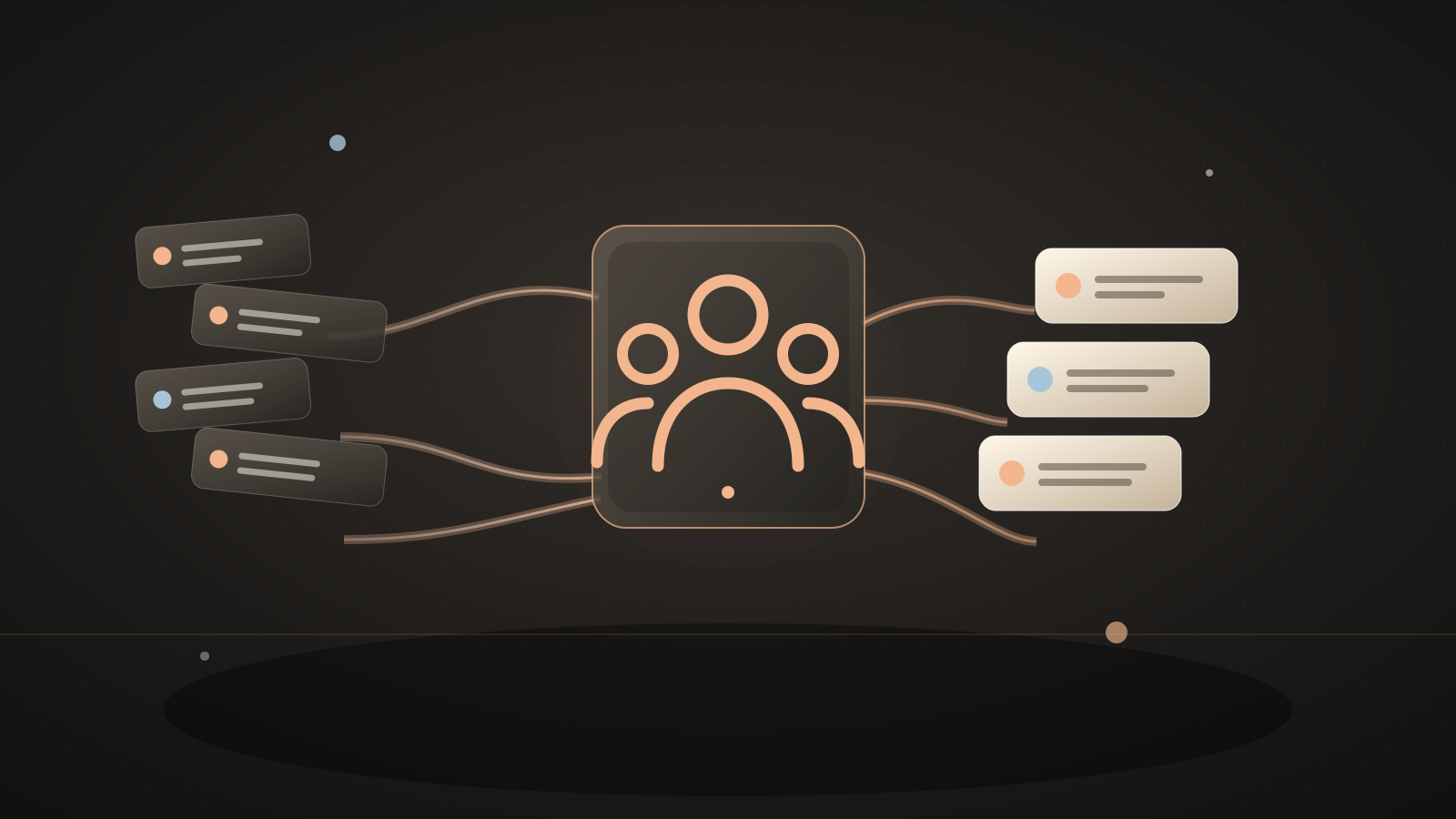
When a HubSpot deal moves into your demo-complete stage, this example reads every contact associated with the deal. It compares a contact role property with the primary role value you choose. A match produces a call task; every other associated contact gets a recap-review task. Tasks go to the deal owner, or to a fallback owner if the deal has none.
Each task is attached to its contact and includes the deal ID and contact email. Slack reports how many tasks were created. The owner reviews the demo notes, confirms who actually attended, and decides what to say before contacting anyone. The automation does not send emails or infer attendance from a deal association.
A team said its single-contact follow-up sequence became awkward when several contacts attended a demo: it did not want to call everyone, but did not want to ignore the other attendees.Source: A B2B team's post-demo follow-up question on Reddit
What you'll tell the agent
- The HubSpot deal stage ID that means a demo has finished.
- The HubSpot contact property and value that mark a primary contact.
- A fallback HubSpot owner for deals without an assigned owner.
- The HubSpot task-to-contact association type ID and Slack channel for the task count.
- Account authorization.
The agent will create the project and ask you for these details. When Automate.ax asks you to connect an account, authorize the integrations you want this workflow to use.
The agent can help identify the stage, contact role property, association type, and owner IDs after you connect HubSpot. It will ask you to connect Slack during setup.
The automation
A deal-stage update starts the workflow. The code checks each associated contact's configured role property, creates a call or recap-review task, and posts the number of tasks to Slack.
import { automation, t } from "automate.ax"
import { hubspot } from "automate.ax/hubspot"
import { slack } from "automate.ax/slack"

export default automation(
  "Prepare follow-up tasks for every contact on a completed demo deal",
  {
    parameters: [
      {
        label: "Demo completed stage ID",
        name: "demoCompletedStageId",
        type: "text",
      },
      {
        label: "Fallback HubSpot owner ID",
        name: "fallbackOwnerId",
        type: "text",
      },
      {
        label: "Contact role property name",
        name: "contactRolePropertyName",
        type: "text",
      },
{ label: "Primary role value", name: "primaryRoleValue", type: "text" },What a run looks like
Example input
A deal enters the demo-complete stage with Priya marked as primary and two other contacts associated with it.
Expected result
The deal owner gets a call task attached to Priya and two recap-review tasks attached to the other contacts. Slack reports that three tasks were created. Each task body includes the deal ID.
Set it up
- Copy the setup prompt at the top into your coding agent.
- Tell the agent which deal stage means the demo is complete and which contact property/value means primary. The comparison ignores capitalization and extra space around the value.
- Choose a fallback owner, Slack channel, and task-to-contact association type. Authorize HubSpot and Slack when prompted.
- Review the contacts associated with a test deal. Every associated contact will receive a task, including anyone who did not attend the demo.
- Move the test deal into the selected stage, then inspect the call task, recap-review tasks, and Slack count before using a live pipeline.
Check the result
Use a test deal with one contact whose role matches the primary value and one whose role does not. Confirm each gets the correct task type and contact association, the deal owner receives both, and Slack reports two tasks. Re-entering the stage can create another set of tasks.
Where this workflow stops
- Every associated contact gets a task, even if they did not attend the demo. The owner checks attendance and the meeting notes before reaching out.
- Any contact whose role does not match the primary value gets a recap-review task. If the role data is missing or ambiguous, the automation does not stop to resolve it.
- Moving a deal into the demo-complete stage again can create another set of tasks. Add a deduplication rule if deals often re-enter that stage.
Common questions
Does every associated contact get a task?
Yes. HubSpot deal associations do not show who attended. The owner reviews each task before contacting a person.
Will the buyer get a generic sequence?
No emails are sent. Contacts whose role matches the primary value get call tasks; the others get recap-review tasks.
What if the primary contact is unknown?
A contact without a matching primary role gets a recap-review task. Confirm the role property is populated correctly before deployment.