Turn completed customer bug fixes into follow-up tasks
When a customer-reported Linear issue is completed, create an Asana task for someone to verify the release and update the customer.
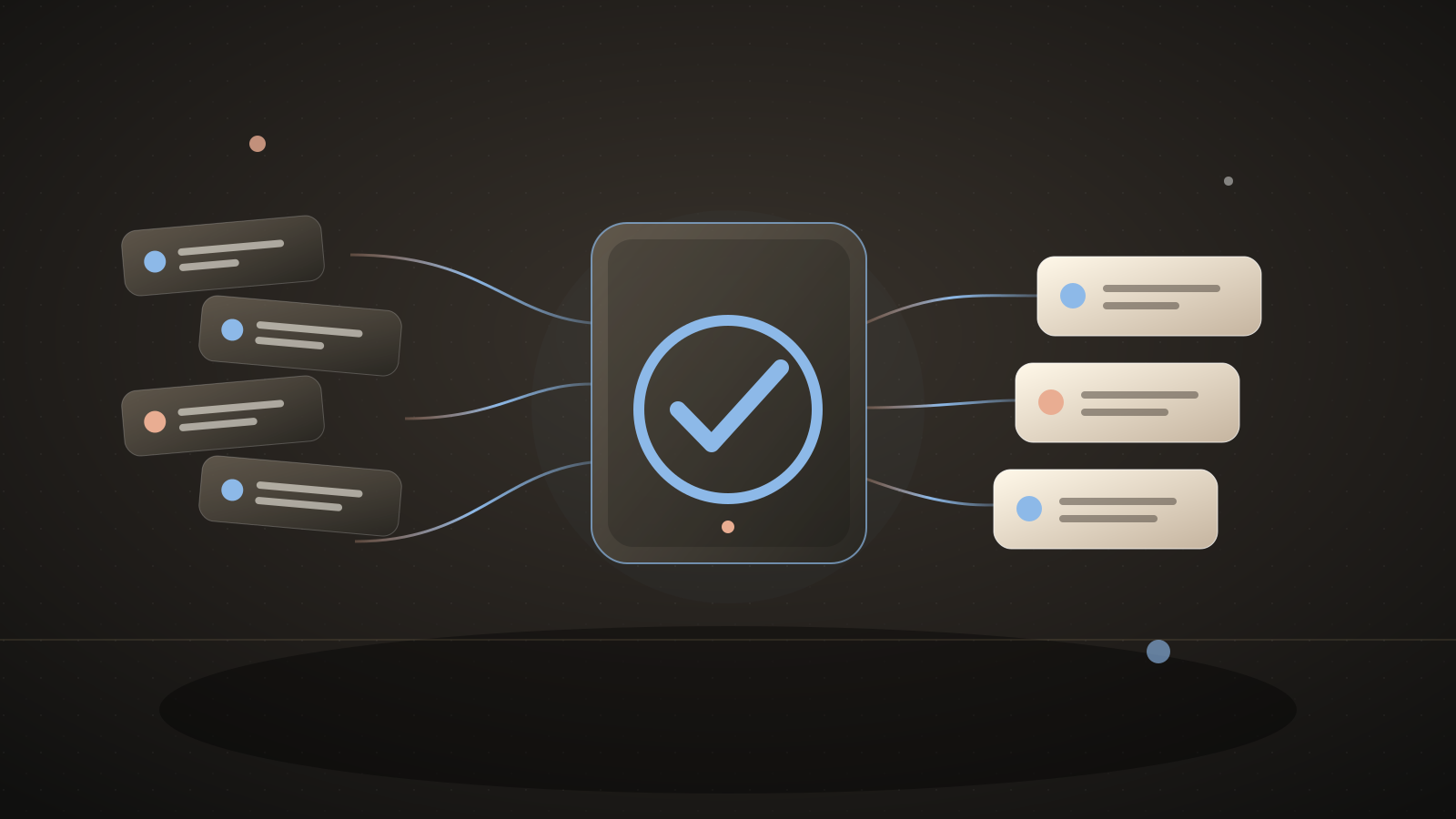
Integrations used in this example
 Linear docs
 Asana docs
Keep the customer update attached to the fix
Engineering can complete an issue without the support team knowing which customer to update. The customer keeps waiting, even when the technical work is done.
This automation watches for a Linear issue with your customer-impact label to move into a completed state. It creates an Asana task for a named teammate to confirm the fix is live, identify affected customers from your support records, and send a personal update.
A SaaS team described support and engineering fixing customer-reported bugs but failing to notify the customer afterward.Source: a SaaS team's missed customer updates after bug fixes
What you'll tell the agent
- The Linear label that marks customer-reported issues. The agent can identify it after account authorization.
- An Asana project and assignee for customer follow-up tasks.
- Account authorization for Linear and Asana.
The agent will create the project and ask you for these details. When Automate.ax asks you to connect an account, authorize the integrations you want this workflow to use.
The automation
Only a completed state transition on a labeled issue creates work. The task asks a person to verify release status before contacting customers.
import { automation, t } from "automate.ax"
import { asana } from "automate.ax/asana"
import { linear } from "automate.ax/linear"

export default automation(
  "Queue customer follow-up when a reported issue is done",
  {
    parameters: [
      { label: "Customer issue label", name: "customerLabel", type: "text" },
      {
        label: "Asana follow-up project ID",
        name: "asanaProjectId",
        type: "text",
      },
      { label: "Customer success assignee", name: "assignee", type: "text" },
    ],
  },
  ({ parameters }) => {
    const issue = linear
      .onIssueUpdated()
      .filter(
        ({ state, labels, event }) =>
          state.type === "completed" &&
          labels.some((label) => label.name === parameters.customerLabel) &&
          Boolean(event.updatedFrom?.stateId),
      )

    asana.createTask({
      projectIds: [parameters.asanaProjectId],
      assignee: parameters.assignee,
      name: t`Follow up with affected customers: ${issue.identifier}`,
      notes: t`${issue.title}\n${issue.url}\n\nCheck that the fix is released, find the affected customers, and send a personal update. Mark this task done only after outreach.`,
      dueOn: issue.updatedAt.transform((timestamp) =>
        new Date(Date.parse(timestamp) + 2 * 86_400_000)
          .toISOString()
          .slice(0, 10),
      ),
    })
  },
)
What a run looks like
Example input
Linear issue BUG-42 has the Customer reported label and moves from In progress to Done.
Expected result
Asana gets one follow-up task linked to BUG-42. The assignee checks deployment and reaches out to affected customers.
Set it up
- Copy the setup prompt at the top into your coding agent.
- Tell the setup agent which Linear label and Asana project to use and who owns customer follow-up.
- Authorize Linear and Asana, then test one issue transition in a test project or with a disposable issue.
Check the result
Complete a labeled test issue and check that Asana receives one task with the right Linear link. Complete an unlabeled test issue and confirm it produces no task.
Where this workflow stops
- A completed Linear issue does not prove the fix reached production. The Asana task explicitly asks for that check.
- The issue is not assumed to identify a customer. The task owner must use your existing support records to find who needs an update.
Common questions
Does this email the customer?
No. It assigns the follow-up to a person who can verify the release and write the right update.
Can a different team own the follow-up?
Yes. Set the Asana assignee and project when the agent configures the example.